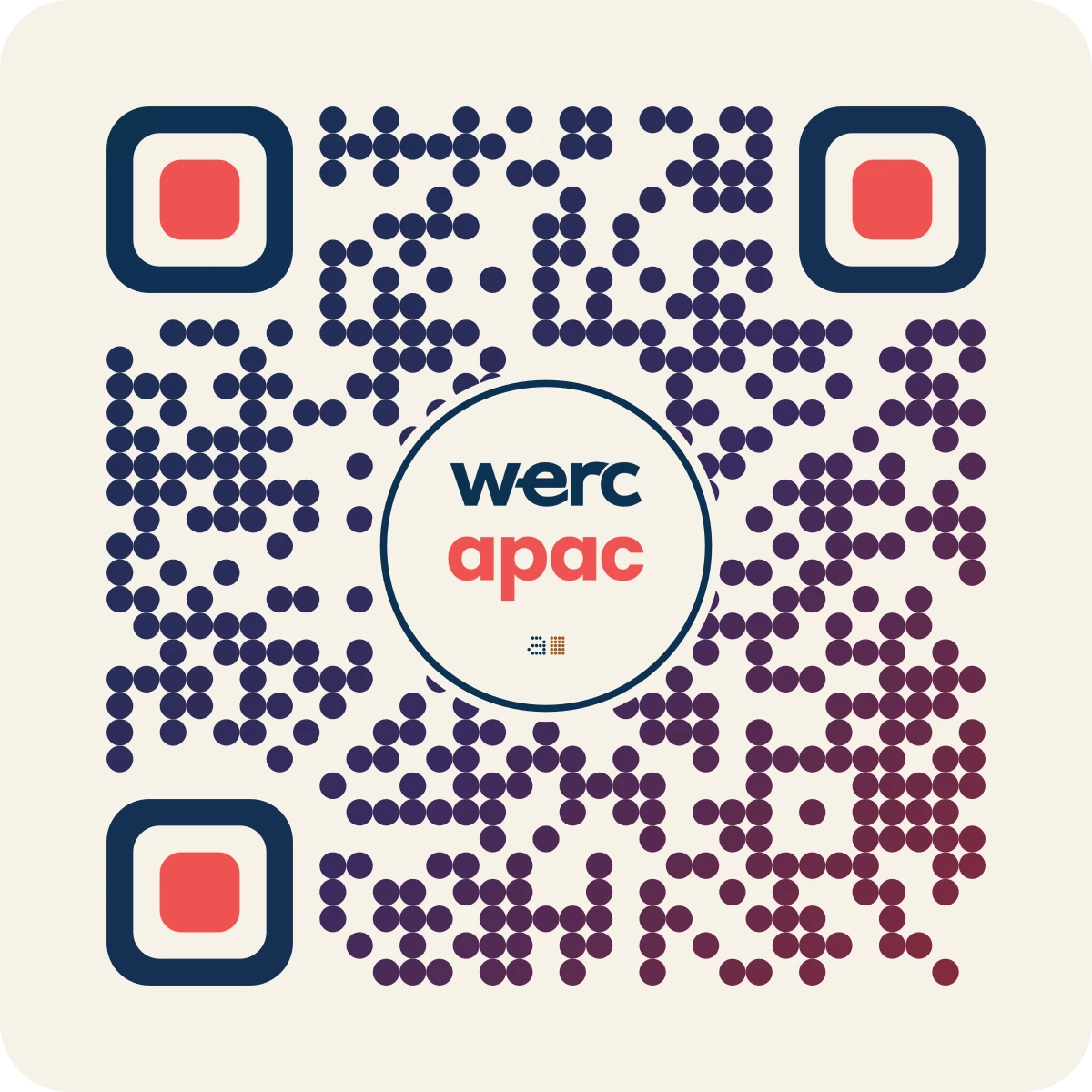
The code for the back of the lanyard
It opens werc.agentec.cloud, the WERC Bengaluru app. That address is ours and permanent, so the code keeps working whatever changes behind it, on the day and for the thirty days after.
On the badge
How it sits at both sizes. The code is placed as supplied; the layout is a suggestion Formula may keep or change.


The files for Formula
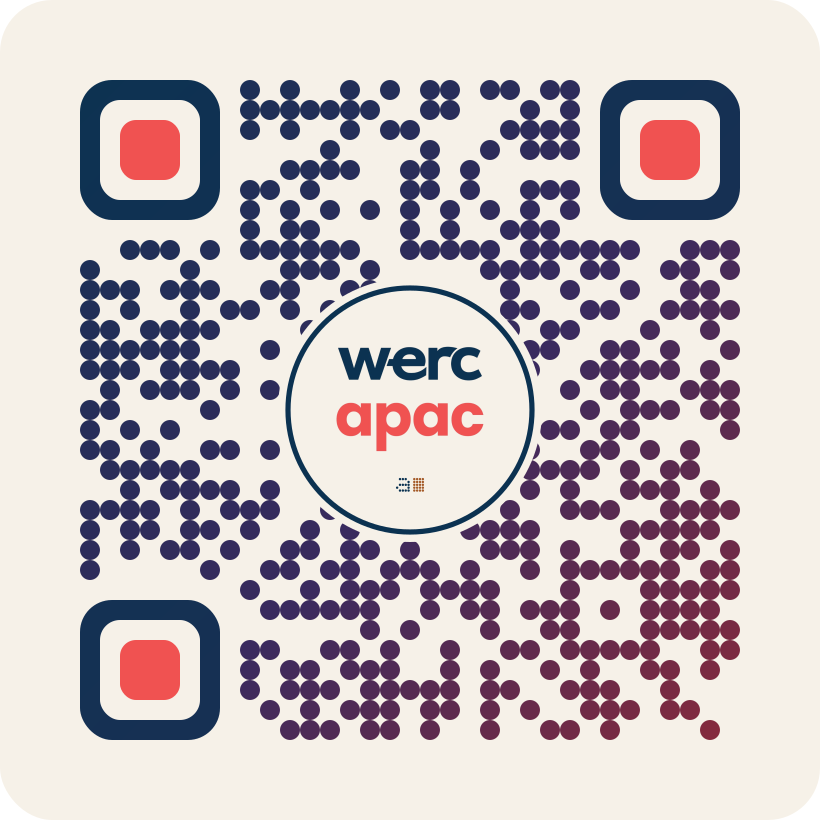
Everything, one zipvector, PDF, PNGs, transparent, plain twin, both badge layouts
The code, SVGthe vector their printer places
The code, PDFthe same vector, as a PDF
The code, PNG2400 pixels, cream ground
Transparent ground, SVGfor a light ground of their own
Badge back, 85 by 54SVG, the layout above
Badge back, 100 by 70SVG, the layout above
The plain twinthe same code in plain squares, if a proof ever prefers it



For the printer
- Place the vector as supplied. Do not redraw the code from the address; a redrawn code is not the one we tested.
- The clear border around the code is part of the file. Keep it, and let nothing sit inside it.
- Never smaller than 22 mm on a side, border included. On a 100 by 70 badge, 40 mm is right.
- Ink on a light ground. Never white on dark, never on a photograph, never stretched.
- Scan one printed proof with a phone under normal light before the run. It opens werc.agentec.cloud.
The rest of the paper
Every other piece the session prints, at its real size, with the stock, the finish and how many.
The code opens werc.agentec.cloud.with Agentec